


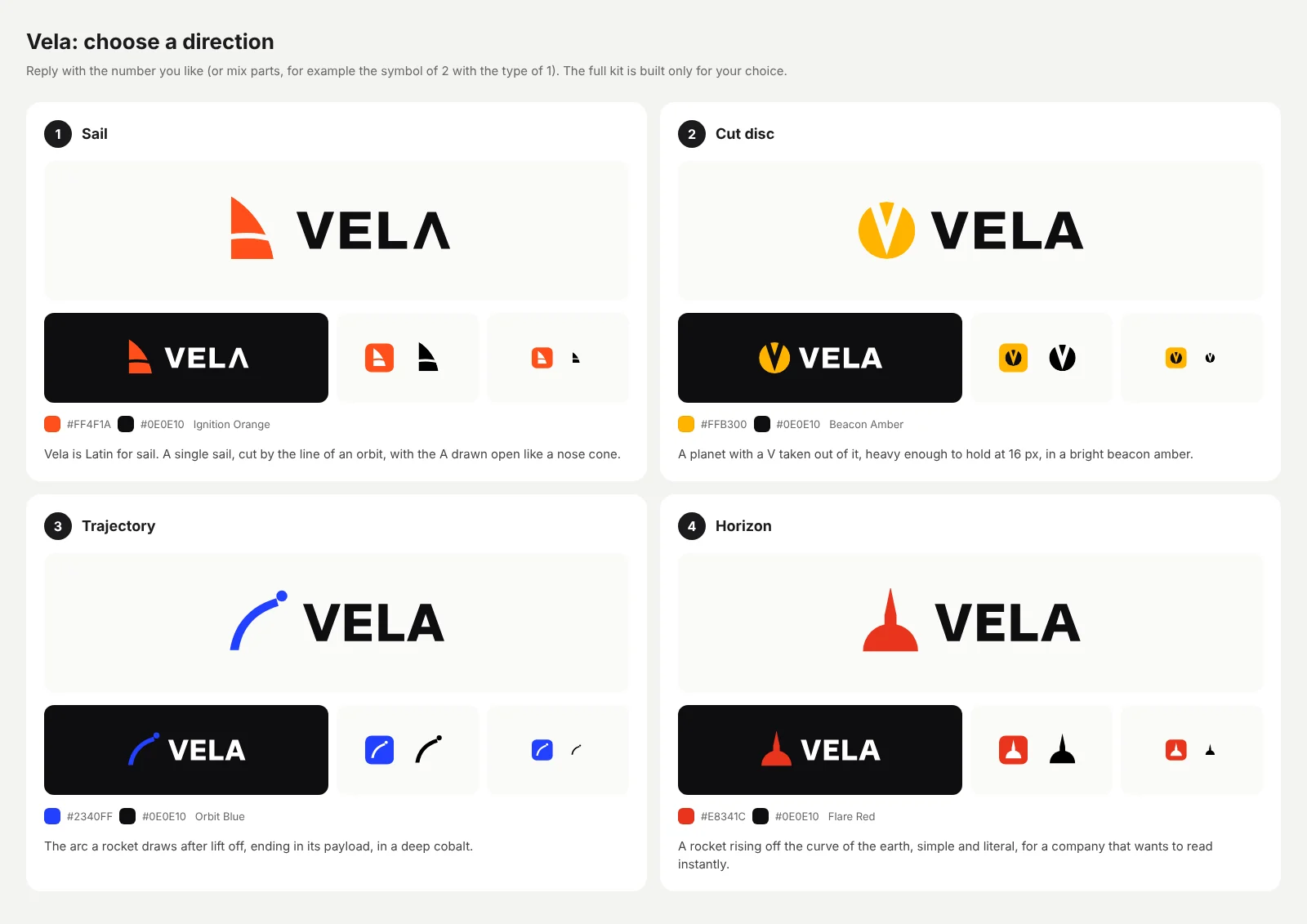
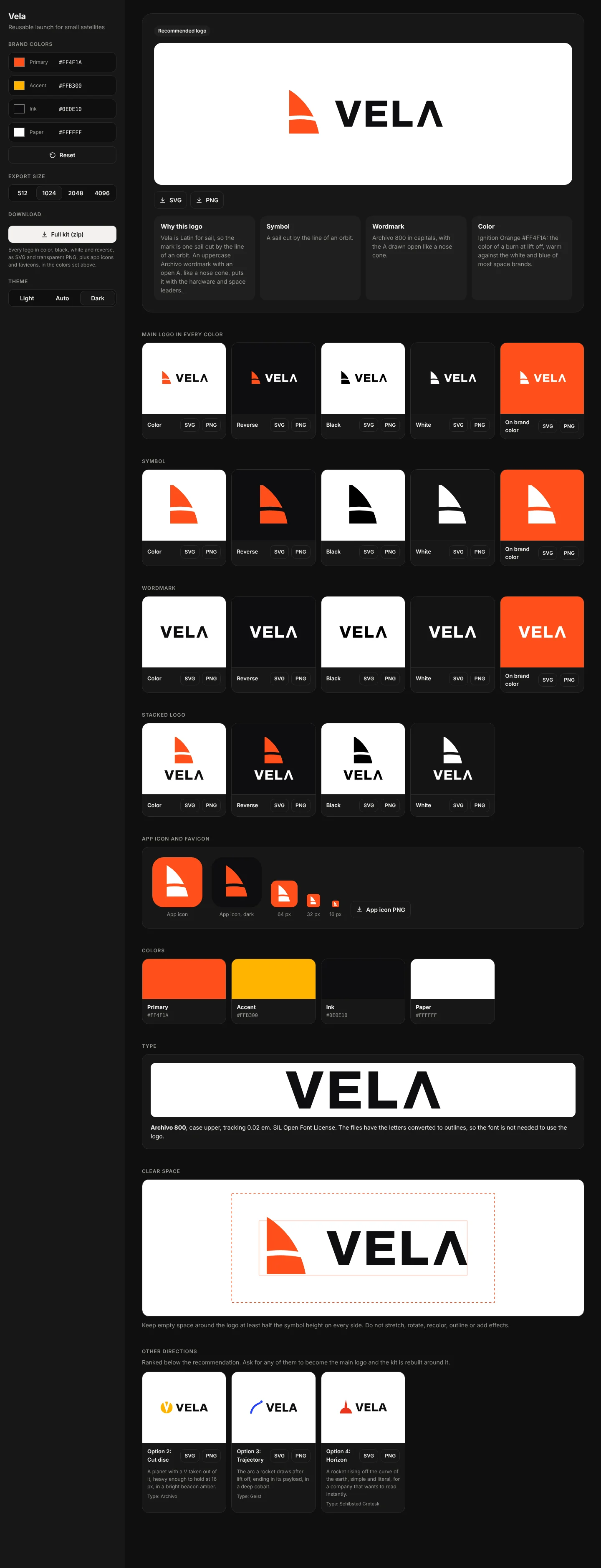
Pick a logo, get every file you need.









8,332
real logos studied
3 to 5
options before the kit
60
files in every kit
1
spec file to change it all


Set up the Brand Creator agent from Bloom (https://github.com/edison16a/bloom) on this machine. It installs as a skill in your skills folder.

1. Get only the folders you need from the Bloom repo:
   git clone --depth 1 --filter=blob:none --sparse https://github.com/edison16a/bloom.git /tmp/bloom-setup
   git -C /tmp/bloom-setup sparse-checkout set skills/brand-creator
2. Work out which agent you are and use its skills folder:
   Claude Code: ~/.claude/skills
   Codex: ~/.codex/skills
   Create the folder if it does not exist.
3. Copy the skill to ~/bloom/brand-creator: mkdir -p ~/bloom && cp -R /tmp/bloom-setup/skills/brand-creator ~/bloom/brand-creator. If it already exists, stop and ask me first.
4. Install its Python package: python3 -m pip install -r ~/bloom/brand-creator/requirements.txt
5. Link the skill into the skills folder: ln -s ~/bloom/brand-creator/.claude/skills/brand-creator <skills folder>/brand-creator. Its scripts run from ~/bloom/brand-creator, so always work in that folder when you make a brand.
6. Check that Google Chrome or Chromium is installed. If it lives somewhere unusual, set CHROME=/path/to/chrome. Tell me if it is missing.
7. Read ~/bloom/brand-creator/.claude/skills/brand-creator/SKILL.md so you know the workflow.
8. Delete /tmp/bloom-setup.

When you are done, tell me in two lines what you installed and anything I still need to do. Then suggest one thing to try, like "Create a brand for Acme, we make payroll software".